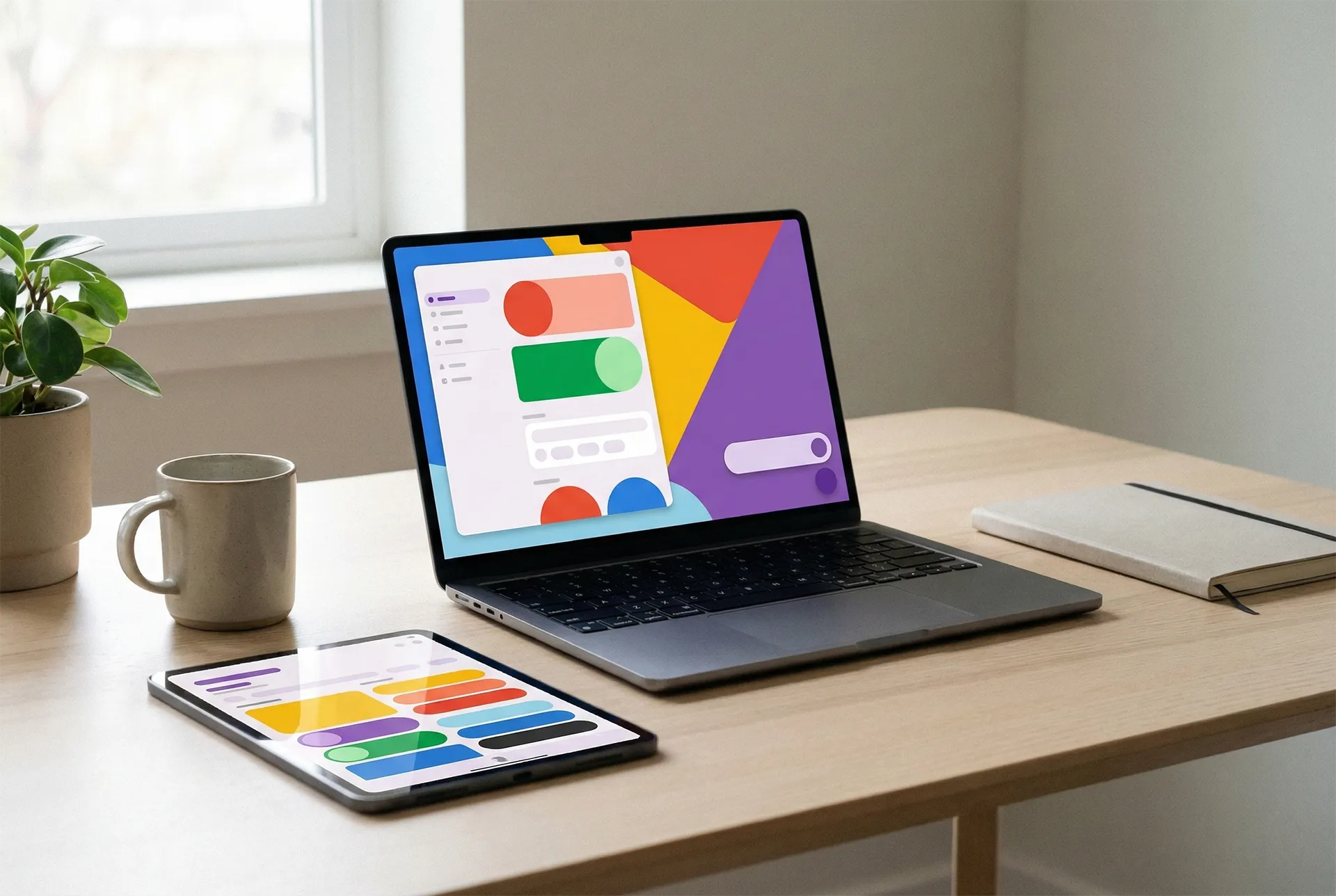
Google Material Design 3 – the evolution of Google’s design language
Google Material Design 3 is the latest iteration of Google’s design system and represents a significant evolution in the way digital user interfaces are conceived and built. Where earlier versions focused on visual consistency and recognizability, Material Design 3 places the user more clearly at the center through personalization, flexibility, and adaptive design principles.
The background of Material Design
Material Design was originally introduced by Google in 2014 as a unified design language for Android, the web, and later other platforms as well. At the time, Google’s products were visually fragmented, and there was a lack of shared principles for how user interfaces should be structured and experienced.
The inspiration behind Material Design came from classic graphic design principles combined with modern digital possibilities. The metaphor of “material” was central: Elements on the screen were meant to behave like physical objects with depth, hierarchy, and movement. Shadows, transitions, and animations were used to communicate structure and interaction in an intuitive way.
The goal was not only aesthetics, but also functionality. A consistent design system was intended to make it easier for users to understand apps and websites, while providing developers and designers with a shared foundation to work from.
Material Design 1 – the foundation
The first version of Material Design introduced a strong visual expression with bold colors, card-based layouts, and clear interactions. UI components such as cards, floating action buttons, and navigation drawers quickly became recognizable elements in Android apps and Google’s own products.
Material Design 1 placed great emphasis on motion and feedback. Animations were not decorative, but functional, and were meant to help users understand what was happening on the screen. Transitions between screens, button presses, and layout changes were all actively used to create cohesion in the user experience.
Material Design 2 – more mature and restrained
Material Design 2 built on the existing foundation, but with a more mature and minimalist expression. The focus shifted toward greater flexibility and improved readability, among other things through increased whitespace, softer shapes, and refined typography.
At this stage, Google increasingly opened up for brands to leave their own mark on the design without breaking the overarching principles. As a result, Material Design 2 was often used as a solid, yet relatively neutral, starting point for both apps and web-based solutions.
Material Design 3 – a shift in philosophy
With the launch of Material Design 3, Google took a more pronounced step away from “one-size-fits-all” design. Material Design 3, also known as Material You, introduced the idea that the user interface should actively adapt to the individual user and the context in which it is used.
Where previous versions primarily focused on consistency across products, Material Design 3 is more about adaptability. The design must work across screen sizes, platforms, and user preferences without losing its identity.
Read more about Material Design 3
Dynamic colors and personalization
One of the most notable new features in Material Design 3 is the introduction of dynamic color systems. Colors can now be generated automatically based on the user’s choices, such as wallpaper or system theme, and applied consistently across UI components.
This means that applications can feel more personal without requiring extensive manual design work. At the same time, the system ensures that contrasts and color hierarchies continue to meet accessibility requirements.
Updated components and layout principles
Material Design 3 introduces a wide range of updated UI components. Buttons, cards, navigation patterns, and forms have become more flexible and more touch-friendly, which is particularly relevant for mobile devices and tablets.
The layout principles place greater emphasis on responsive and adaptive solutions. This makes Material Design 3 well suited for modern SaaS platforms, where the same solution often needs to function across desktop, tablet, and mobile.
Accessibility as a core principle
Accessibility plays a central role in Material Design 3. The system is built around clear hierarchies, distinct interaction surfaces, and color compositions that take different visual and motor challenges into account.
This makes Material Design 3 particularly relevant in professional contexts, where user experience, usability, and inclusion are critical factors for success.
Material Design 3 in practice
In practice, Material Design 3 functions as a flexible design system that can be scaled from simple applications to complex digital platforms. For companies and SaaS solutions, this means achieving a modern and professional look without having to invent all design principles from scratch.
At the same time, the system’s modularity makes it possible to gradually implement or adapt the design so that it fits the business’s needs and brand identity.
You can read more about how to work with Material Design 3.
The future of Material Design
Material Design 3 does not mark an end, but rather a new chapter in Google’s design language. The focus on personalization, adaptability, and emotional user experience points toward a future where design is not only functional, but also more human.
For designers, developers, and businesses, Material Design 3 is therefore not just a visual framework, but a strategic tool for creating cohesive and future-proof digital products.
Questions and answers about Google Material Design 3
What is the difference between Material Design 2 and 3?
Material Design 3 differs by placing a stronger focus on personalization, dynamic colors, and adaptive layouts, while Material Design 2 primarily focused on consistency and minimalist visual structure.
What does Material You mean?
Material You is the term for the personalized approach in Material Design 3, where colors and themes adapt to the user’s preferences and context.
Is Material Design 3 only relevant for Android?
No, Material Design 3 is a platform-independent design system that can be used for the web, mobile apps, and larger digital platforms.
How does Material Design 3 support accessibility?
Material Design 3 includes built-in principles for contrast, readability, and interaction that make solutions more accessible for all users.
Can Material Design 3 be used in SaaS solutions?
Yes, Material Design 3 is particularly well suited for SaaS platforms, as it supports scalable, responsive, and consistent user experiences.